WP eStore plugin comes with a few pre-configured shopping cart display templates. You can use any of these templates (by using a shortcode) to show the shopping cart on your site.
All the cart shortcodes are listed in our shortcodes documentation page.
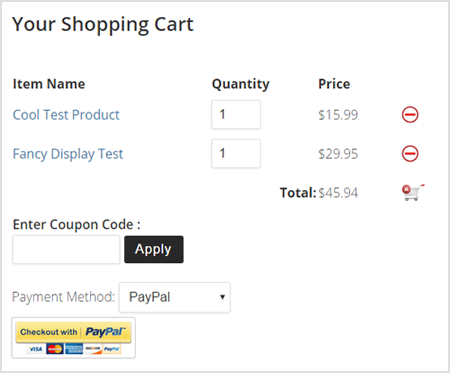
Shopping Cart Template – Default Option
The following is an example of how the default cart template looks like:
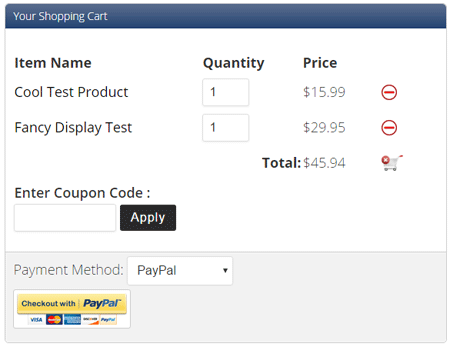
Shopping Cart Template – Fancy 1
The following is an example of how the fancy 1 cart template looks like:
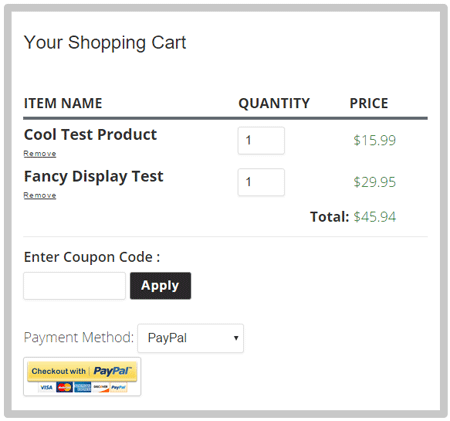
Shopping Cart Template – Fancy 2
The following is an example of how the fancy 2 cart template looks like:
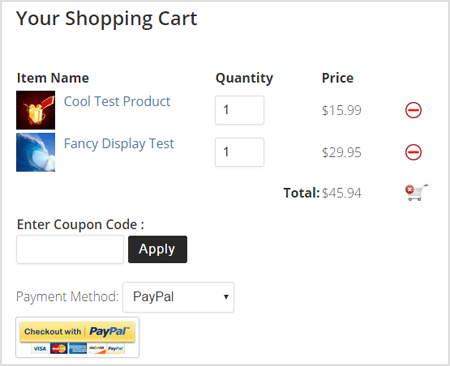
Shopping Cart Template – With Product Thumbnail
The following is an example of how this one looks like:
Compact Shopping Cart Templates
In addition to the above full cart templates, the WP eStore plugin comes with a few compact cart shortcodes also.
View the compact cart display options page to learn more about it.
Creating a Specific Cart Checkout Page
This page explains how you can create a specific cart checkout page for your site if you want to.